 Sheep Memo
SHEEP MEMO
Small thoughts. A clearer view.
Sheep Memo is a browser-based kanban memo app with no registration required. Turn ideas and everyday tasks into cards, then organize them one at a time.
Start or continue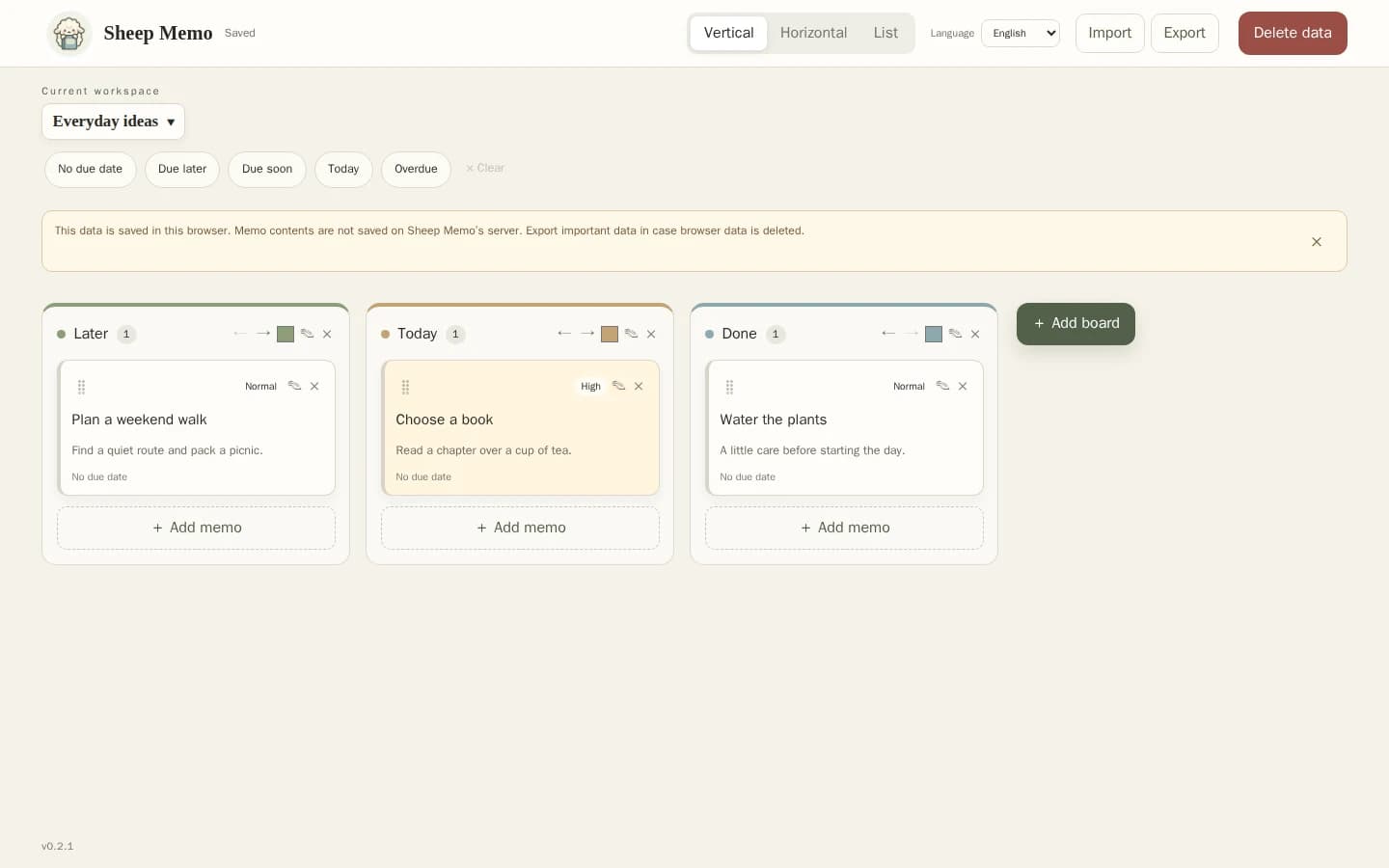
Separate work from everyday life
Use workspaces for different purposes and boards within each workspace. Try Later, Today and Done. Cards help you see what needs your attention.
Write, move and revisit
Create a note with the add button. On a computer, drag the card itself to reorder it or move it to another board. Double-click its title or body, or use the edit icon, to edit. Dates and priorities use text as well as color. Switch between vertical, horizontal and list views.
Room to work on a smaller screen
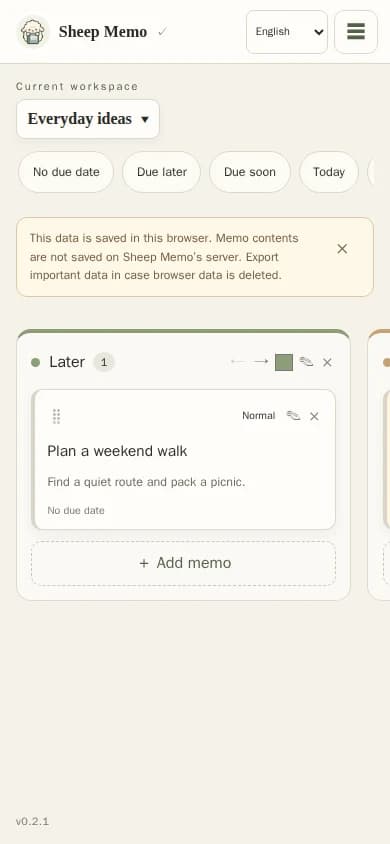
On a phone, open the top-right menu for view options, import and export. Use the edit icon to edit a note. Notes stay in that browser; they do not automatically sync to another device.
Your notes live in this browser
Workspace, board and memo content is stored in your browser, not on Sheep Memo’s server. Loading the website still requires a connection. Anyone who can use the same device and browser may be able to read your notes. Clearing browser data or losing your device can also erase them.
Keep a file backup, too
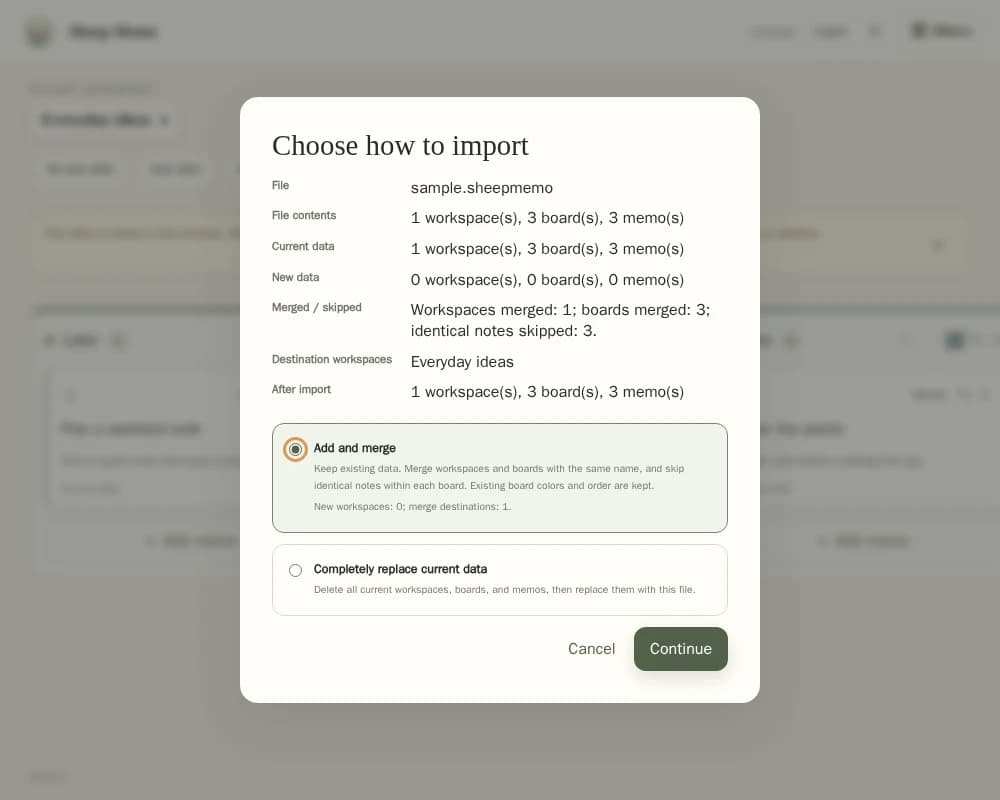
Export saves all workspaces in one .sheepmemo file, named with an eight-digit date such as 20261018.sheepmemo. Import accepts only .sheepmemo files and offers add-and-merge or complete replacement. Matching workspace and board names are merged; other names are created. Identical notes within the same board are skipped. Workspace names must be unique. Replacement deletes existing data, so export a backup first. For an unused initial workspace, one confirmation replaces the starter workspace.
Before you start
Will closing the browser erase my notes?
They normally return when you reopen the same browser on the same device. Storage is not guaranteed, so export regularly.
Can I move notes to another device?
Transfer an exported file and import it on the other device. This is a manual transfer, not automatic sync. Keep the file safe: it contains your notes.
How much can I store?
Browser-only use allows up to 5 workspaces, 50 boards and 1,000 notes in total.